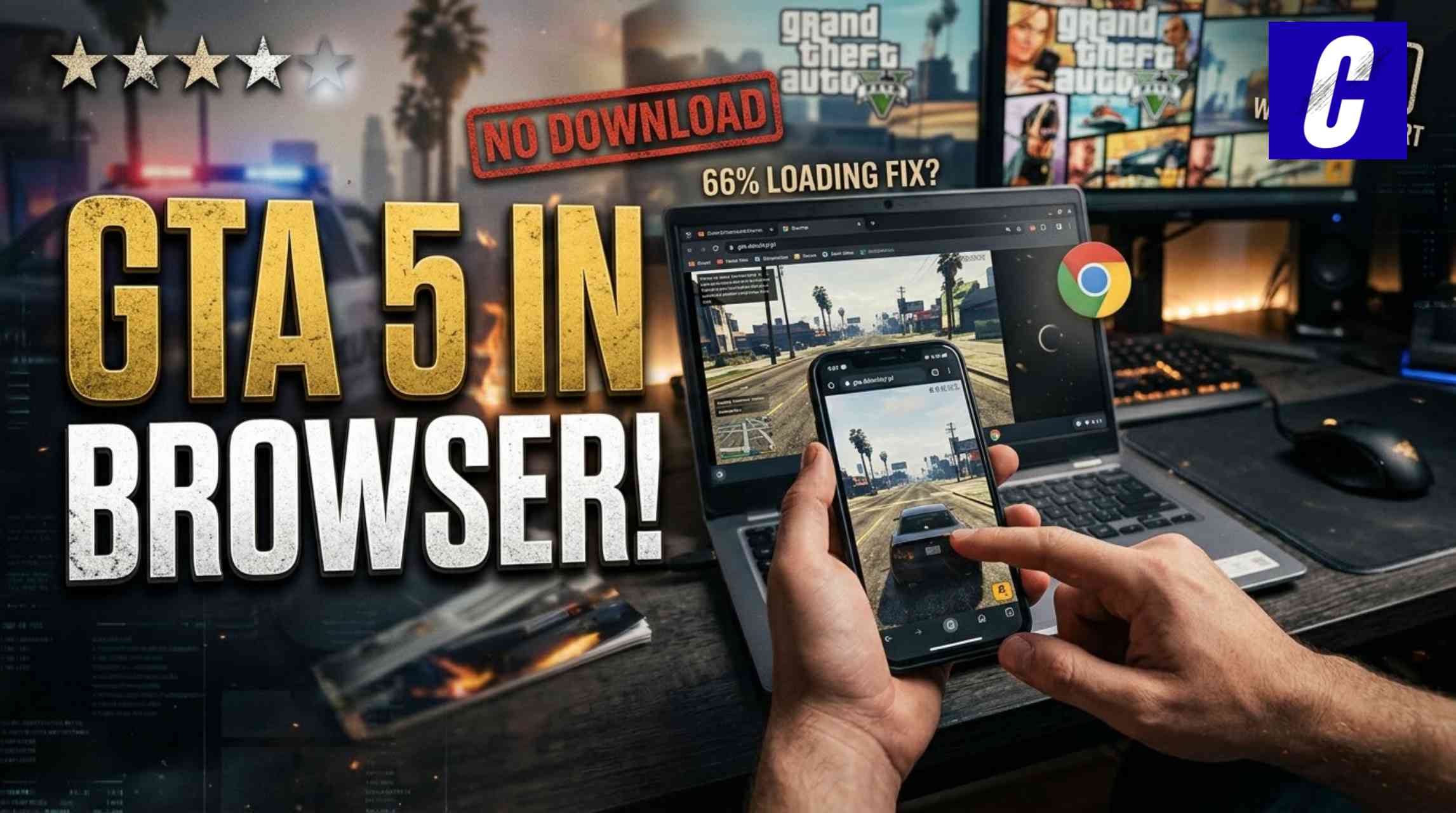
For years, anyone claiming you can play Grand Theft Auto V inside a Google Chrome tab without downloading a 100 GB install was just a scammer trying to get you to visit a sketchy survey link.
This changed fundamentally in late 2026 due to advances in web tech like 64-bit WebAssembly (wasm64), WebGPU and lightweight WebGL sandbox builds that have made browser-based GTA 5 possible to actually play as a reality, not just an Internet myth.
At CCASTER, we tested the latest viral browser ports (including the community shared gta.deloskiyt.pl build) to confirm these browser-based GTA 5 ports load and run on not just laptops, but inside a smartphone’s browser.
If you want to play GTA 5 on your school Chromebook, an older laptop with integrated graphics, or a phone without filling up storage, this guide explains how browser GTA 5 works and the three ways you can play it.
The Viral Explanation: Why Is GTA 5 suddenly Working on Browsers?
To understand what you are playing when you open a GTA 5 browser link, it helps to distinguish between the two types of browser builds currently circulating on the web:
1. The Heavyweight: Native WebAssembly (wasm64) Port
In the viral project (playgta5.com) which shocked software engineers in October 2026, Rockstar’s actual C++ RAGE Engine was compiled to a 63 MB WebAssembly binary (game.wasm).
Instead of requiring a 105 GB install, this build downloaded an initial 700 MB bootstrapping file and used an I/O worker to stream map chunks on the fly as you played, stored on a 21 GB Cloudflare server.
It also translated Direct3D 11 graphics calls directly to your graphics card with WebGPU.
The Exception: As it used leaked source code and copyrighted assets, Take-Two Interactive quickly took it down with a DMCA takedown within hours. And it required a decent GPU and at least 8 GB RAM.
2. The Lightweight Survivor: WebGL Sandbox Ports (gta.deloskiyt.pl)
After the original port had been taken down, community mirrors (gta.deloskiyt.pl, gta2.deloskiyt.pl, etc.) took off, collecting over 57000 plays in only 48 hours.
We personally tested the gta.deloskiyt.pl link on a mobile phone and found that it actually works.
This is because, instead of requiring your phone to run the desktop-level C++ engine, a stripped down HTML5 / WebGL 3D sandbox build (“GTA 5 Lite”) caches directly into your browser’s memory, running on touchscreens and low-end laptops by omitting the huge story cutscene files and using WebGL shaders.
Method 1: Play the Free Browser Port (gta.deloskiyt.pl) on Phone / Laptop
If you want to test the free, no-install browser sandbox, browser settings are key to getting a smooth frame rate instead of a frozen screen.
Step-by-Step Instructions for Low-End Laptops & Mobile:
- Use an Ad-Blocking Browser (important): Unofficial mirrors tend to use third-party ad networks which will prompt pop-up redirects several times every tap on mobile. Open the link from Brave Browser (for Android, iOS and PC) or with Firefox and the uBlock Origin extension.
- Enable Hardware Acceleration (Laptops): To enable hardware acceleration in a low-end laptop using Chrome or Edge, go to
chrome://settings/systemand make sure “Use graphics acceleration when available” is ON after restarting. - Close Background Tabs: Browser games run entirely in your tab’s allocated RAM, so close background tabs before launching the game.
- Bypassing the 66% Loading Freeze: Many players have reported a bug where the 66% loading bar gets stuck and doesn’t progress. When this happens, simply wait 30-60 seconds on a stable Wi-Fi connection before refreshing the page.
CCASTER Safety Alert: A legitimate WebGL or WebAssembly game runs 100% in the webpage tab, and you should never download any
.exe,.apkor “codec plugin” if a pop-up asks you to, or type in your real Rockstar Social Club or Steam account passwords into an unofficial mirror site.
Method 2: Playing the Full Official GTA 5 & GTA Online in Your Browser
While fan-made WebGL ports like gta.deloskiyt.pl are great for quick, free sandbox driving on a phone, they don’t include GTA Online servers or the 80-hour campaign
If you want to play the official version of GTA 5 in a browser (Chrome or Safari), on a weak laptop or phone, you can use WebRTC Cloud Gaming:
- Boosteroid (Browser Stream): Lets you launch the full PC version of GTA V (that you already own on Steam/Epic Games/Rockstar Launcher) inside the Chrome or Safari browser on Android, iOS, Windows, or Mac
- Xbox Cloud Gaming (xbox.com/play): Whenever GTA V is rotating in and out of the Game Pass, you can play the console version from your phone/laptop browser with built-in touch overlays or Bluetooth controller support
- Shadow PC (
shadow.tech): Streams a full Windows gaming PC to your browser tab at up to 1080p/60fps or 4K, even over a decade-old dual-core laptop
Why Cloud Gaming Works on $150 Laptops
Instead of your phone/laptop hardware rendering the 3D graphics, it’s an RTX-class GPU in a data center that’s rendering the game and streaming an interactive video to your browser tab. As long as you have a 15-25 Mbps internet connection (5GHz Wi-Fi recommended), your device’s hardware has no impact on performance.
Comparison: Which GTA 5 Browser Method Should You Use?
|
Feature |
Fan WebGL Sandbox (gta.deloskiyt.pl) |
Native wasm64 Port (playgta5 Tech) |
Official Cloud Browser Stream (Boosteroid / Xbox) |
|---|---|---|---|
|
Cost |
100% Free |
Free (Currently DMCA’d) |
Paid Subscription (~$10–$20/mo) |
|
Works on Phones? |
Yes (Tested & Confirmed) |
No (Requires Desktop WebGPU + 8GB RAM) |
Yes (Touch controls + Bluetooth Gamepad) |
|
Works on Low-End Laptops? |
Yes (Runs on Integrated Graphics) |
Struggles on weak GPUs |
Yes (Runs on any Chromebook or old PC) |
|
Game Content |
Stripped-down Free-Roam / Sandbox |
Prologue + Partial Los Santos Streaming |
100% Full Story Mode + GTA Online |
|
Storage Required |
0 GB (Cached in Browser) |
~700 MB Initial Cache in Browser |
0 GB (Video Stream) |
Frequently Asked Questions (FAQ)
Is gta.deloskiyt.pl safe to play on my phone or laptop?
It’s worth noting that the core game page is built from standard browser scripts and passes all standard malware scans, making it unable to install any unwanted software on your device.
However, since it’s an unofficial fan mirror with aggressive popup advertising, it’s recommended to open it in a default Brave browser (with popup ads disabled) and never open external tabs if any appear.
Why does GTA 5 browser get stuck at 66%?
When you enter the GTA 5 browser page (e.g., gta.deloskiyt.pl), the 66% mark means that your browser is downloading and extracting the 3D city and vehicle textures into your local temporary cache. It can get stuck if the source server is overloaded or you’re using a slow mobile connection. The best solution is to switch to a stable Wi-Fi connection and clear your browser’s cache.
Can I connect a PS4/PS5 or Xbox controller to play in my phone browser?
Yes, you can! All modern smartphone browsers (including Chrome and Safari) are compatible with the HTML5 Gamepad API. Simply pair your Xbox or PlayStation controller to your mobile device over Bluetooth, then launch the browser tab – and the game will instantly recognize your controller’s analog sticks and buttons.